HitomeKago support
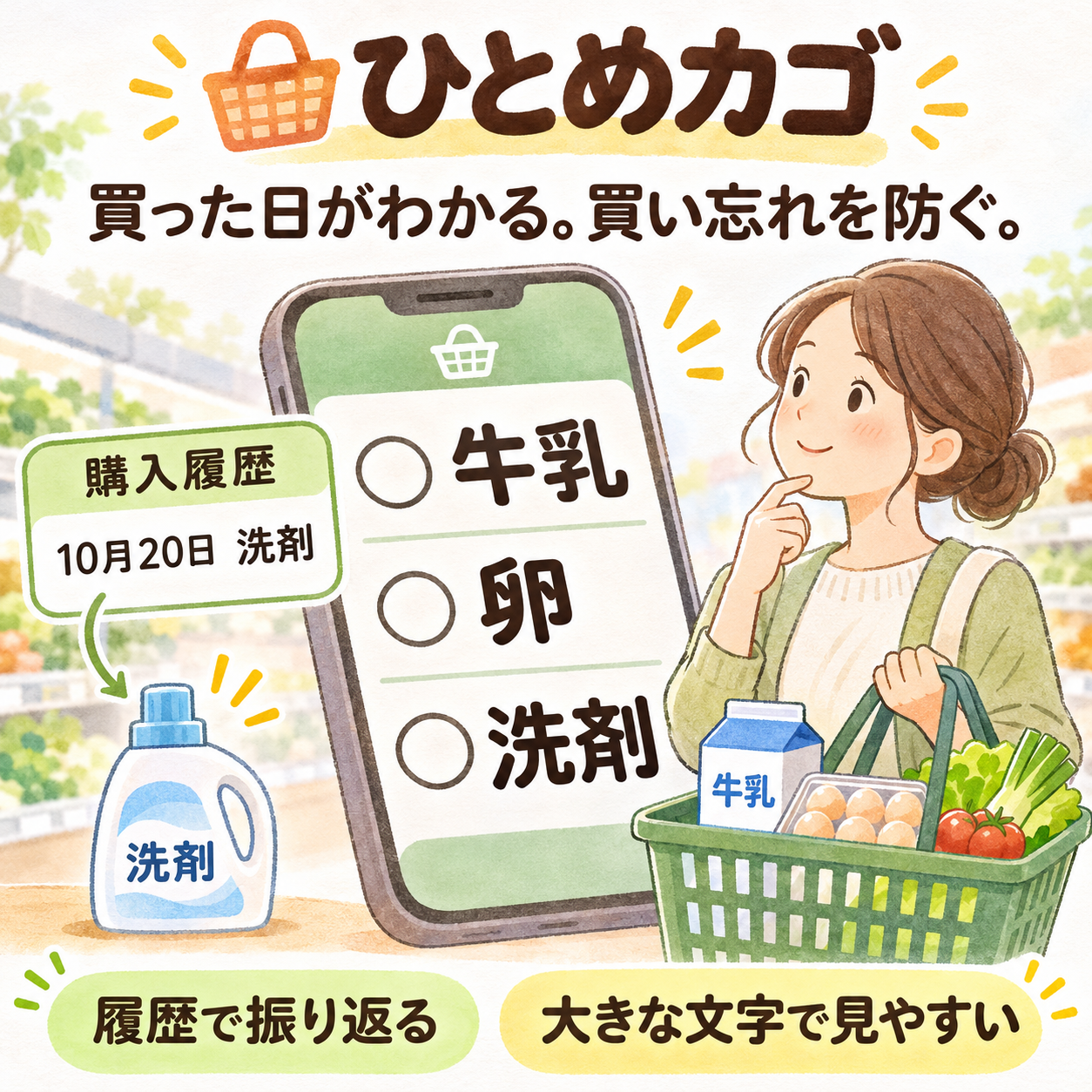
English app support and worldwide distribution are in preparation. The current app is primarily in Japanese. This page does not mean the international build is available.
Getting started
- Enter one item per line in the memo.
- Add or select a store, then open the shopping list.
- Check purchased items. Items you could not buy can be moved to another store or a later trip.
The list starts empty. Sample items are optional.
iPhone requires iOS 18+, Apple Watch watchOS 11+, Android phones Android 8+, and the Wear OS app Wear OS 3+. Watch use requires a compatible paired phone. Android phone lists can be used without a watch.
History and suggestions
A new purchase check automatically records the item, quantity, store, source memo and purchase date. Unchecking does not remove the record. Delete incorrect records from history. Earlier purchases can also be recorded with a date you choose.
History is stored in SQLite on the phone and can be searched. Choose unlimited retention, 3 months, 6 months, 1 year or 3 years. Expired records are removed when history is opened or saved. Shortening retention shows how many records will be removed.
Names and registered readings or aliases can be retained separately as input suggestions. Suggestions are not removed just because purchase history expires. Long-press an unwanted suggestion to delete it. Japanese reading searches require a registered reading; the app does not infer every kanji reading.
Phone and watch
iPhone pairs with Apple Watch; Android pairs with Wear OS. Apple and Android versions do not sync with each other. Synchronization may be delayed. Editing both devices at once can lose one device's changes because the newer state replaces the whole list.
The full purchase-history database is not sent to the watch. New purchases on a watch are queued and sent to its paired phone, then removed from the queue after storage is acknowledged.
Raising your wrist does not launch the app. Open it from the app list, a notification, or an Apple Watch complication you have added. The app cannot automatically change your watch face. Wear OS complications and tiles are not supported.
Lock Screen and notifications
On iPhone, opening the shopping screen with unpurchased items can start a Live Activity. Automatic display can be disabled in the memo settings. If the display looks wrong, stop the Lock Screen display and start it again using the app's buttons. OS limits affect duration and interaction; arrival alone does not start it.
On Android, tap the shopping notification to open the app. Use the app's shopping-notification button to show it again. List contents may not appear on the Lock Screen.
The current Android test candidate disables location registration, nearby-store selection and arrival notifications. Store selection is manual. Apple location features require optional OS permissions and depend on power, connectivity and OS settings. Real-store arrival behavior has not been fully verified and is not guaranteed.
Trial and purchases
Planned: a 15-day free trial, then an optional one-time unlock based on ¥300 in Japan. Local storefront prices vary. There is no subscription or automatic charge. After expiry, saved history can still be viewed and searched, subject to its retention setting; editing and new entries require the unlock.
On Android the trial begins with first use on the device. Reinstalling, clearing data or changing devices is not covered by a strict one-trial-per-person limit. Apple uses the verified free-trial product transaction. Updates preserve the saved start date and purchase entitlement. Restore purchases using the same store account. Apple and Google purchases cannot be transferred between stores. Consult your store for prices, availability and refunds.
Contact
Email support@tsubakiworks.com with the app version, device, OS and the steps causing the issue. Do not send passwords, payment details, shopping notes or precise locations. Hide personal information in screenshots.